Screenshot Studio · Google Play
Google Play screenshots that tell your app's story.
Turn your Android app screens into a coordinated listing set. Generate a first draft, fine-tune every slide, add languages, and prepare supported phone and tablet formats.
Free lets you try the AI and export screenshots with a watermark. Direct publishing and watermark-free exports are on Pro.
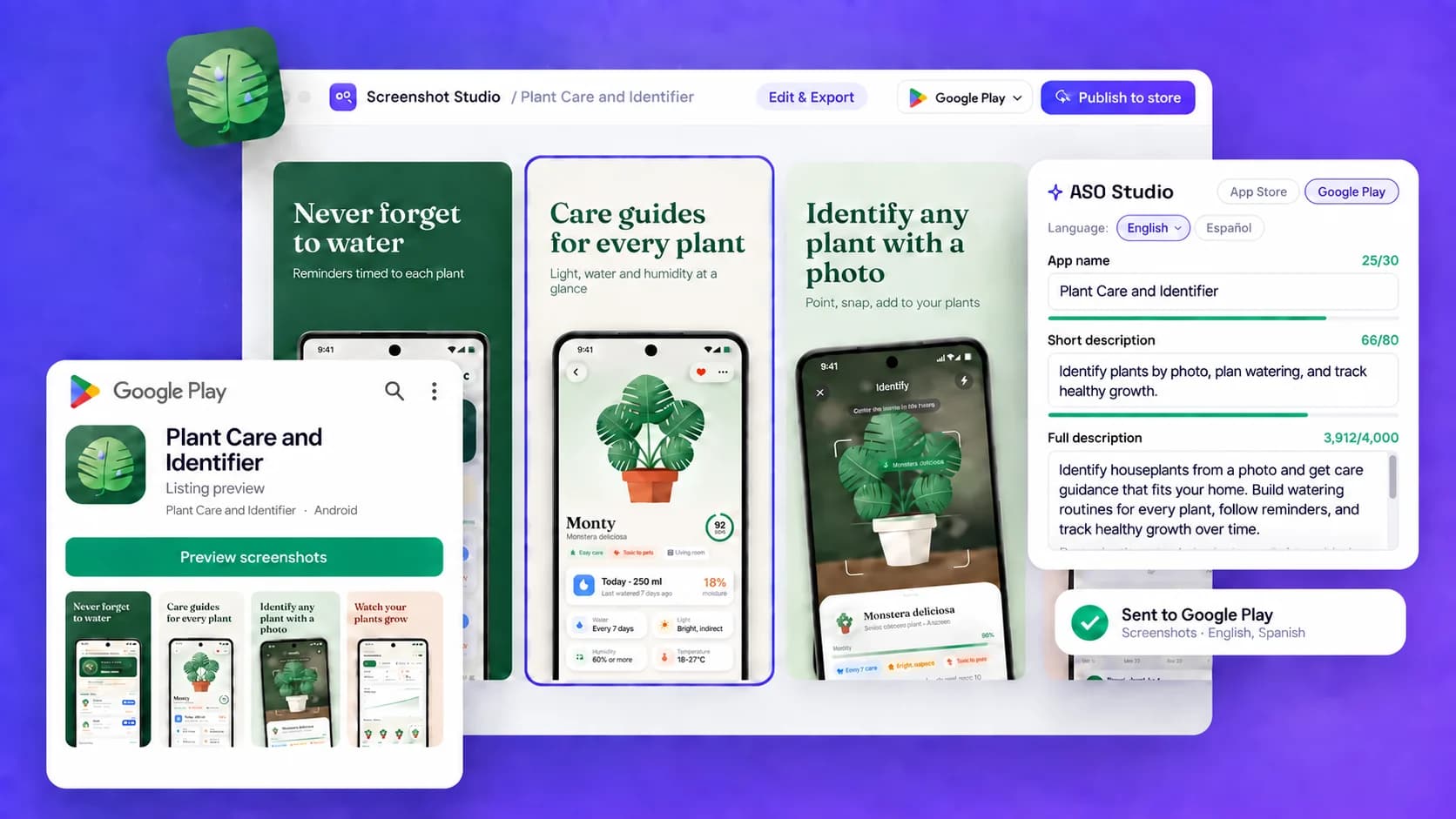
From app screens to a Play-ready set
Keep screenshots, localizations, and listing copy in one editable app project. ASO Studio drafts the title and descriptions; Google Play uses listing metadata among other signals to match relevant searches. There is no separate keywords field.
- 01
Start with your app
Create an app profile manually or from a store link, then add real Android app screens. Your app profile keeps the visual story and listing text together.
- 02
Choose a screenshot template
Pick a coordinated layout, draft captions from your app profile, and review the words before generating your set.
- 03
Edit, size, and localize
Adjust text, images, and layout on the canvas. Prepare supported phone and tablet presets and add languages inside the same project.
- 04
Export or send to Play Console
Download files for manual upload, or connect Google Play Console and send the assets directly on Pro. Review the publishing outcome before sending.
Screenshots and the feature graphic are different assets.
Build the screenshot story for phone and tablet displays in Screenshot Studio. Google Play's feature graphic is a separate 1024 × 500 asset, not another screenshot slide.
What happens after you publish?
Pro can send screenshots and listing text to the connected Google Play Console listing. You choose whether eligible changes are held for your review or sent for review. Sending assets does not mean they are already live on Google Play.
Build your screenshot set