Screenshot Studio · Google Play template
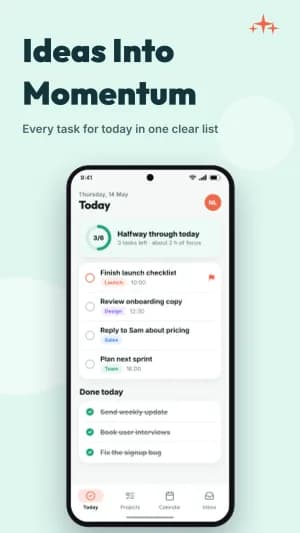
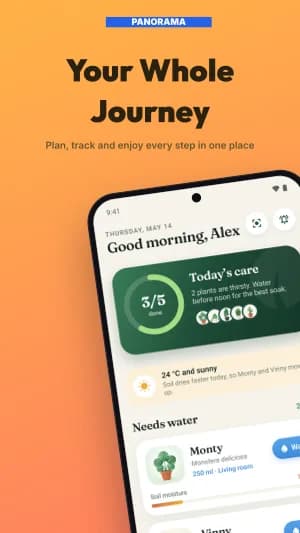
Vivid Color
Let bright color carry a simple product story.
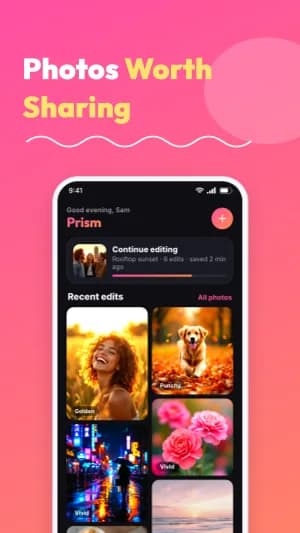
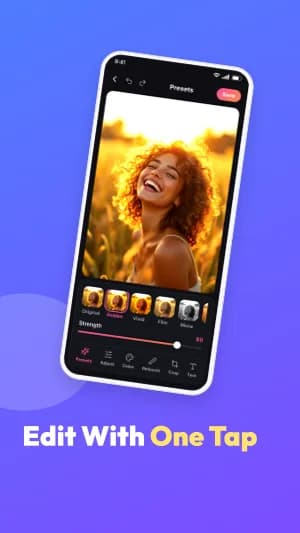
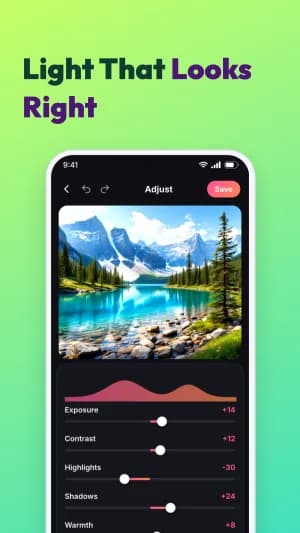
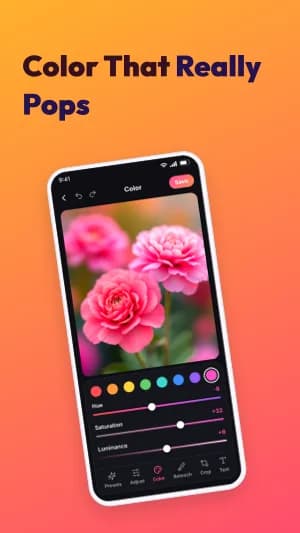
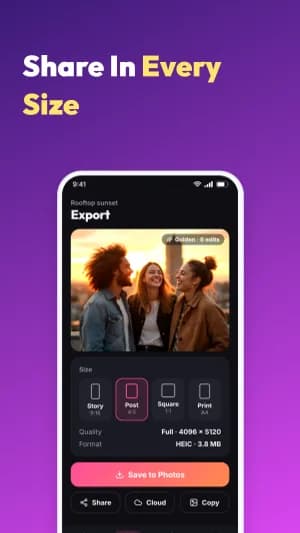
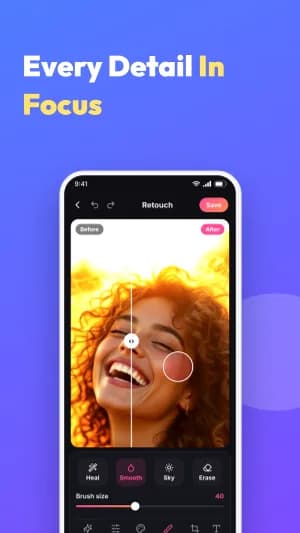
A complete eight-slide system with bright color fields and soft white screenshot frames.
Use Vivid ColorContinue in Studio, choose or create your App profile, and add your own screens. Free exports include a watermark; Pro removes it.
When this style works
Consumer apps, trackers, and utilities whose own screens deserve the most space.
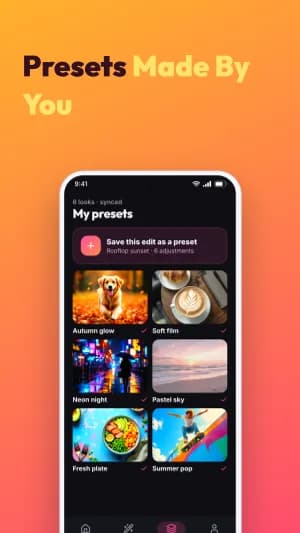
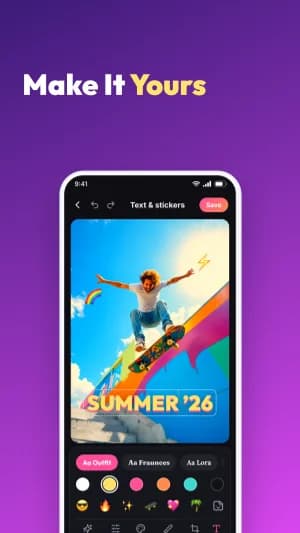
Saturated backgrounds and soft white screenshot frames give each screen its own stage. The changing colors separate features without requiring a new visual style for every slide.
Plan the sequence
Lead with the strongest screen. Use the next slides for distinct features, keeping the text shorter than the interface story.
Bring to the editor
- Clean screens with consistent spacing and no debug overlays.
- A short headline for each feature, readable on a phone.
- Brand colors that still give captions enough contrast.
Bright backgrounds can compete with a colorful interface. Try a quieter color when the screenshot is already visually busy.
The complete 8-slide example
Scroll through the authored sequence. Change the text, images, colors, and layout in Studio; these previews are examples of the design, not a finished listing for your app.
Prepare the store formats
This preview shows Android phone slides. Studio also offers supported iPhone, iPad, Android phone, and Android tablet formats. Review the output and store requirements for each device; a phone design needs a layout check when adapted to a tablet.
Check Google Play screenshot sizes →Keep the message consistent
Use the same App profile for your screenshot captions and listing copy. Review translations and replace all demonstration content before export.
Explore ASO Studio →