Screenshot Studio

App Screenshot Generator for App Store & Google Play

Turn your real app screens into editable screenshot sets for iPhone, iPad, iPhone Duo and Android.

Start free. Pro removes the watermark and publishes to the stores.

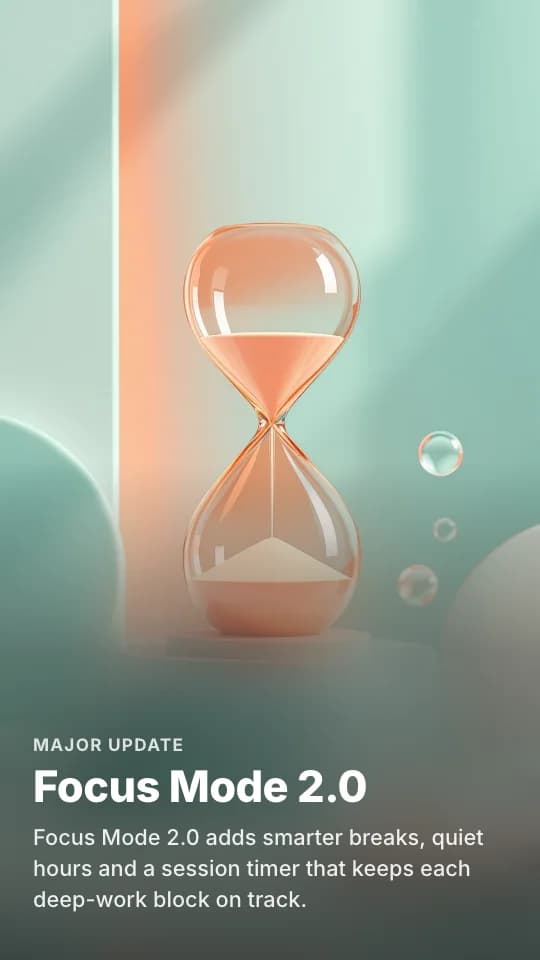
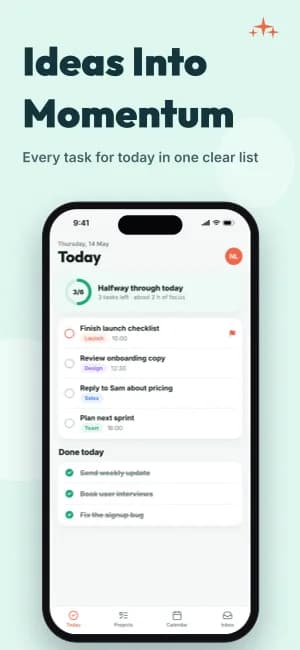
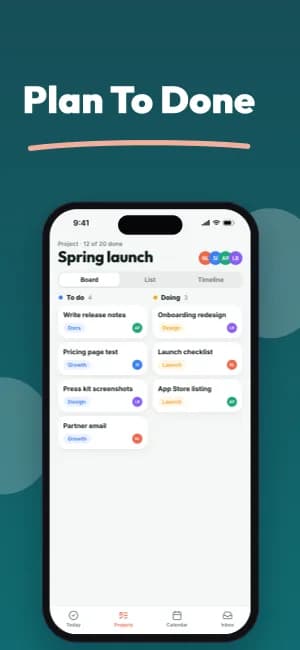
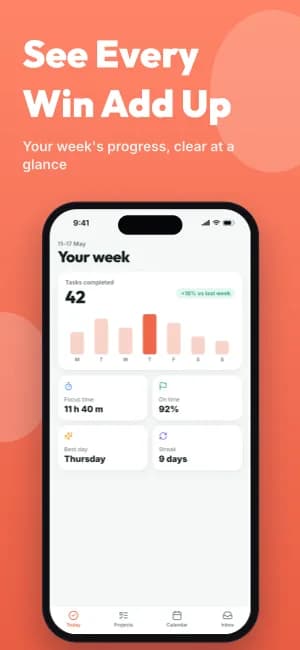
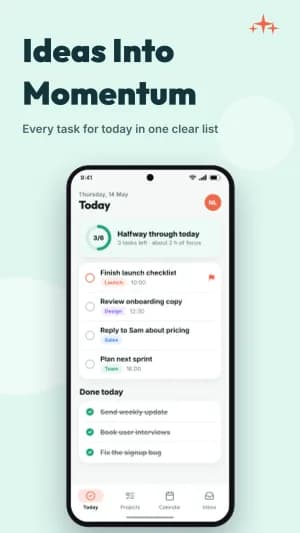
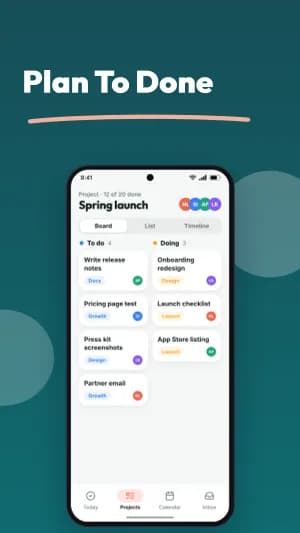
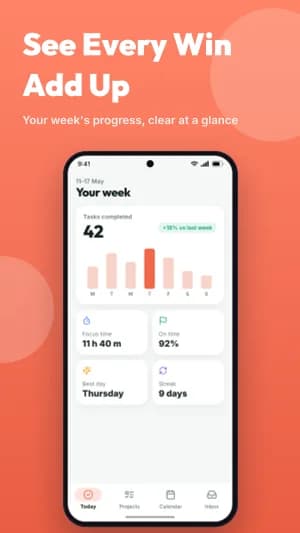
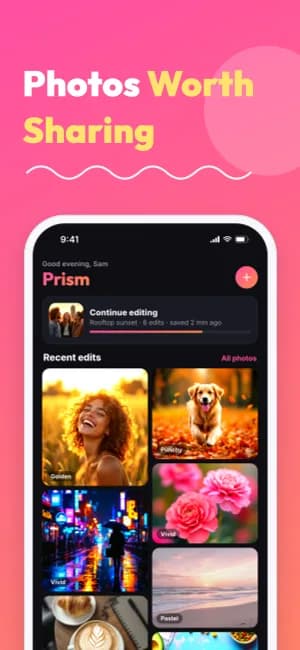
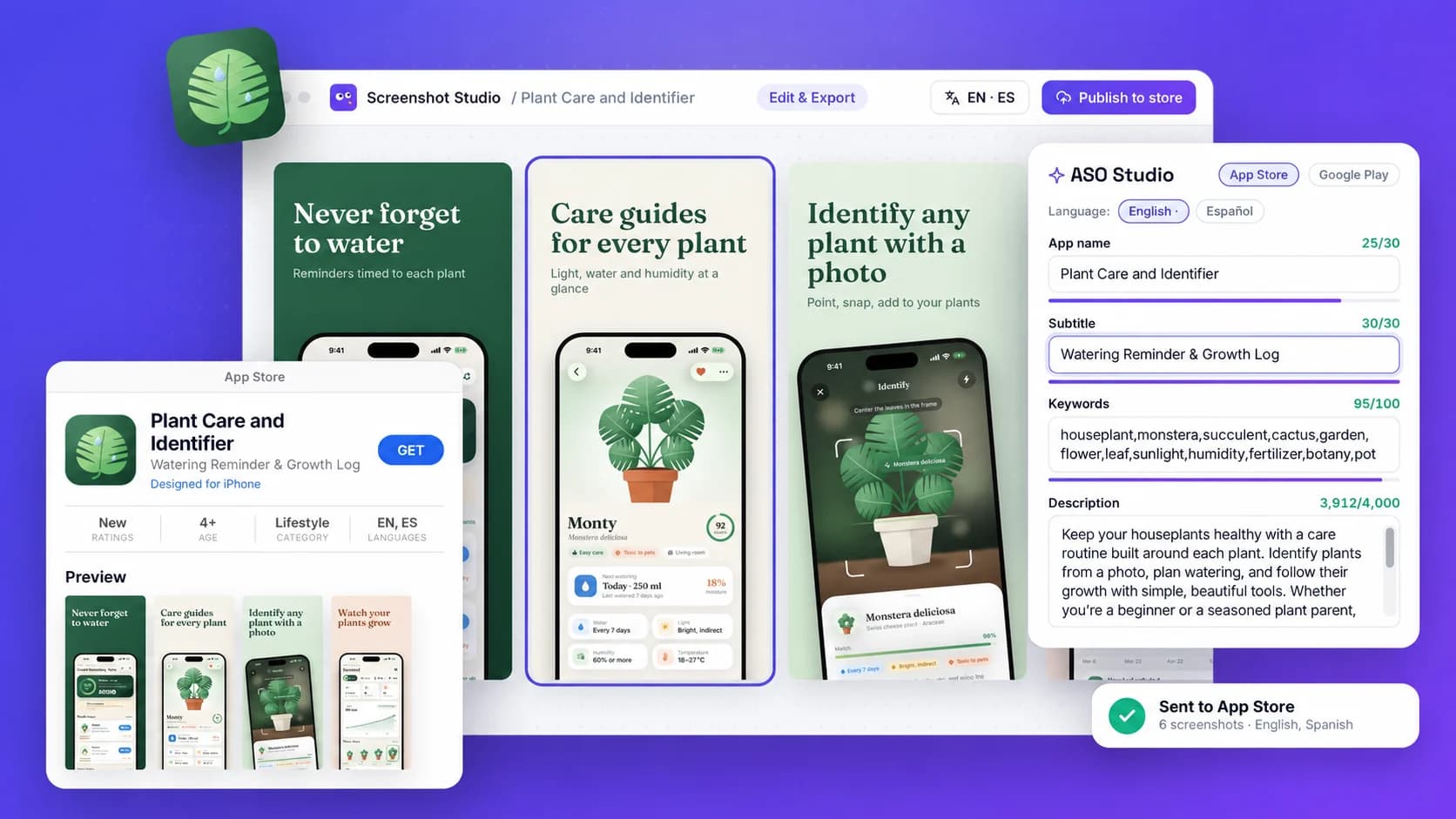
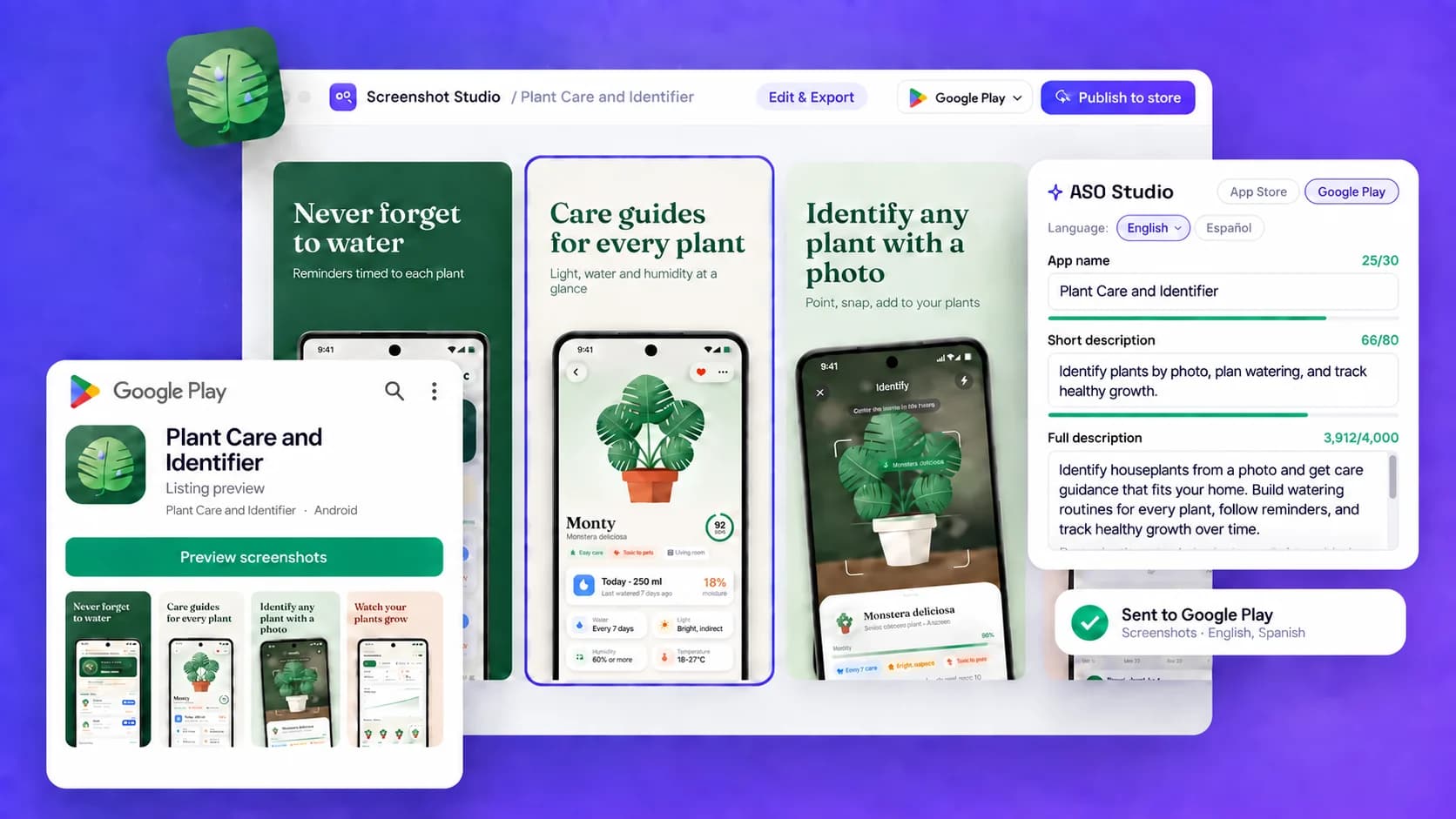
Illustrative App Store screenshot set created from a mobile app project
Illustrative Plant Care example · use your own app screens.

iPhone Duo & Apple assets

More Apple formats. One visual style.

Carry your chosen template pack across Duo screenshots, Product Page Header, Search Results, and In-App Event artwork. Keep the same App profile while giving each placement its own composition.

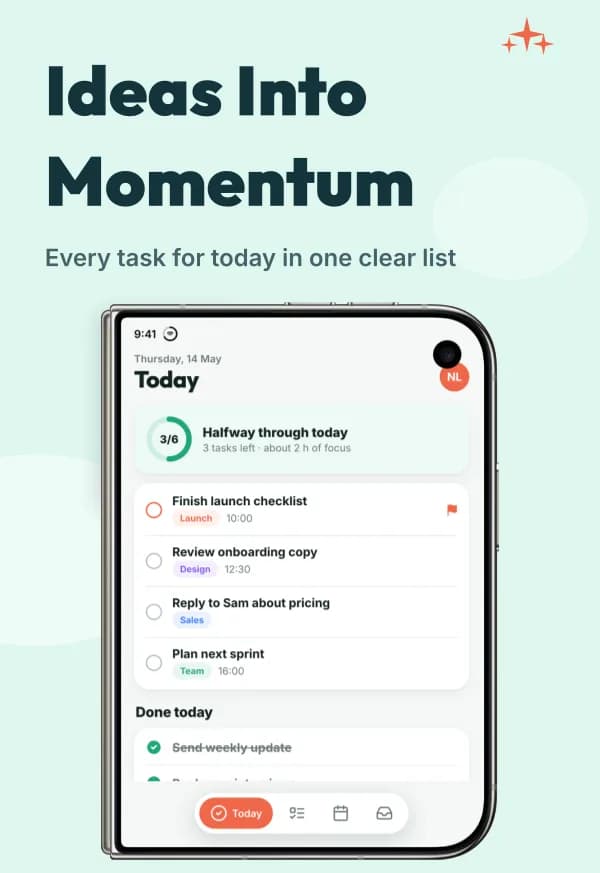
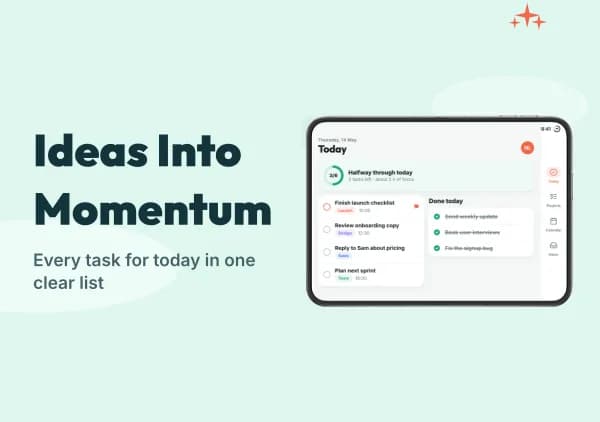
Two Duo displays, four screenshot formats

Design for outer and inner displays in portrait or landscape, with separate device frames. Use captures from the matching display and orientation so the app layout stays accurate.

Launch Focus template with a stylized iPhone Duo outer · portrait frame
Outer · portrait
1398 × 2034
Launch Focus template with a stylized iPhone Duo inner · landscape frame
Inner · landscape
2853 × 2007

AI-generated demo app with stylized frames. Both orientations are available for each display.

Edit, localize, preview, and export. Duo files currently use manual App Store Connect upload.

Apple creatives beyond screenshots

Create separate Header and Search images, or share one universal canvas. Event Card and Details pair your event’s artwork with its badge, name and description, as the App Store shows them.

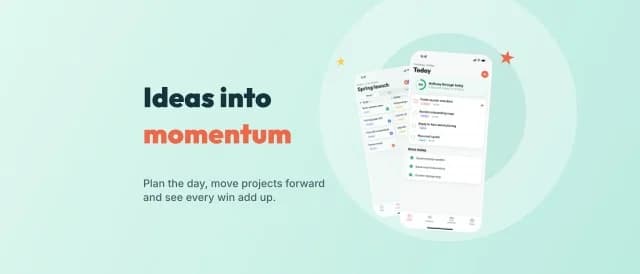
Launch Focus Product Page Header template example
Product Page Header · 3840 × 1646
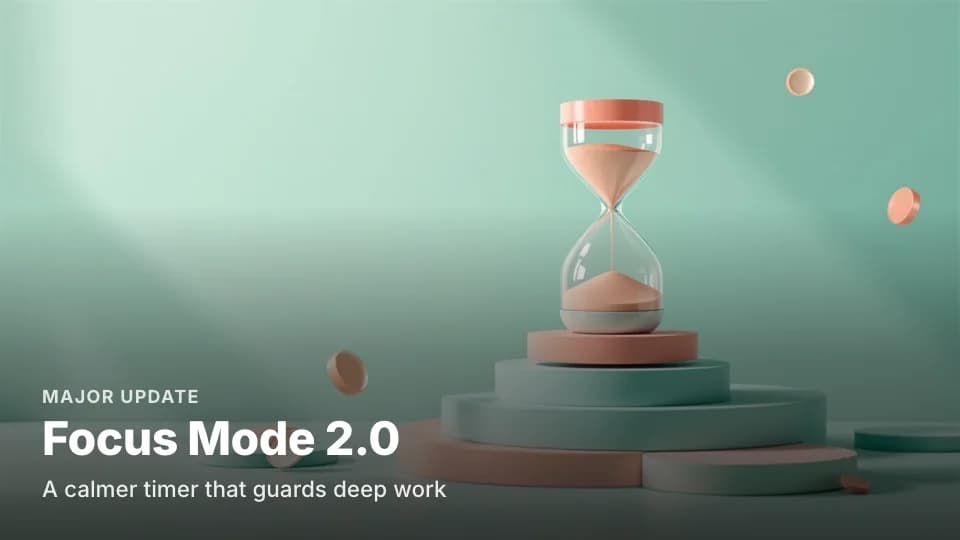
Launch Focus In-App Event Card template example
Event Card
Launch Focus In-App Event Details template example
Details

Template examples. Listing assets are separate from the screenshot sequence.

Static images are editable and exportable. Header/Search use manual upload; video generation and direct creative placement are not available yet.
Preview Duo and Apple assets in a template pack →

One generator, both stores

How it works

  1. 1

    Add your app

    Paste a store link or describe it, then add real screens.

  2. 2

    Pick a template

    AI drafts captions from your App profile.

  3. 3

    Edit and localize

    Fine-tune on the canvas, add sizes and languages.

  4. 4

    Export or publish

    Download files, or publish to both stores on Pro.

Pick a style

All templates →

Template examples with a demo app. Your own screens replace it.

Related

Your next screenshot set starts with your app screens.

Create your screenshots