Store copy
Write a Google Play app description from verified product facts
Write a Google Play title, short description and full description from real app features. Includes a food diary app example, character counts and a review checklist.
By AppListingLab, Product and engineering · 7 min read
Published · Updated
Collect facts before choosing keywords
A useful description explains what the app does and what a person can do next. Start with the audience, the main task, the supported platform, the current features and the Free/paid boundary. Keep unverified promises out of the draft, including accuracy percentages, guaranteed outcomes and features that exist only on another platform.
The worked example below uses BiteCheck, a food diary app that helps people log meals and track calories, macros and fasting. It shows how a real app’s verified features become a title, short description and full description. Use the same process with your own app’s features.
See BiteCheck, the food diary app used in this example →
The input facts are photo, voice and text logging, supported barcode entry, editable nutrition estimates, calorie and macro tracking, a fasting timer, a Free plan and optional subscriptions. The copy is an editorial draft for this walkthrough, not a published listing update or a measured ranking result.
Write each field for its own role
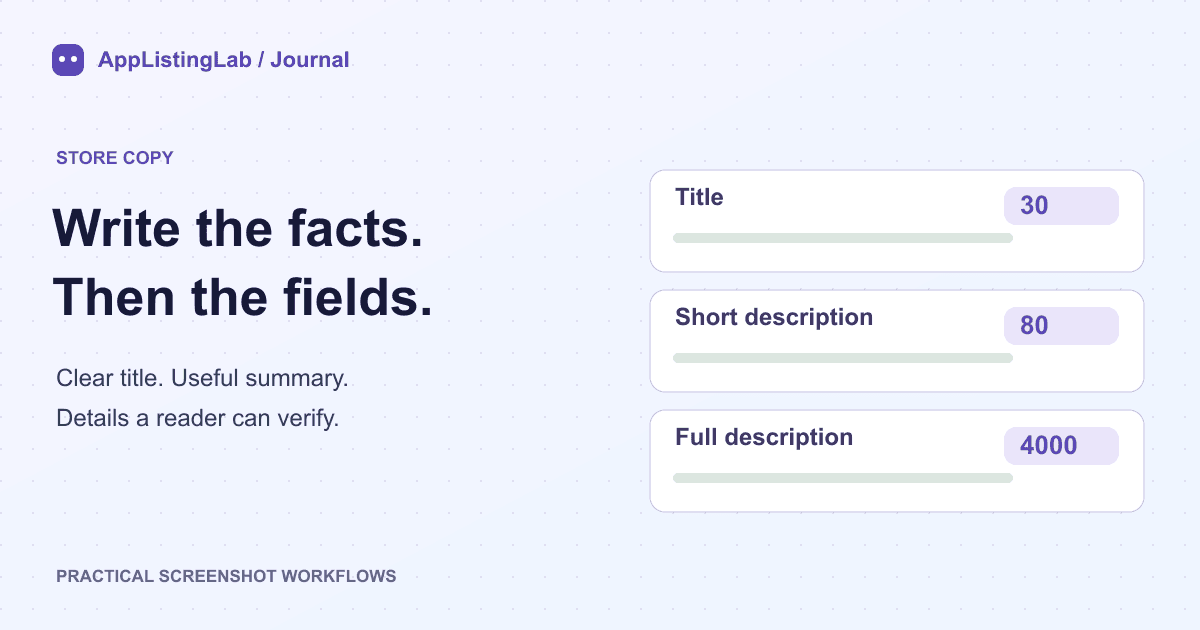
| Field | Google Play limit | Role |
|---|---|---|
| App title | 30 characters | Name and a clear product category |
| Short description | 80 characters | The main task or benefit in one readable sentence |
| Full description | 4000 characters | Useful detail, access conditions and material limitations |
Google Play does not have the App Store's separate keyword field. Do not paste an App Store keyword list into the full description. A repeated phrase is not a substitute for explaining the app. Use the language people understand and keep names and feature terms consistent with the screenshots.
The limits are ceilings, not targets. A complete explanation can be much shorter than 4000 characters. Google Play's own counter and validation are the final check, especially after translation or when using emoji and other complex characters.
Worked example: a food diary app description
| Field | Proposed text | Characters |
|---|---|---|
| Title | BiteCheck: Food & Calorie Log | 29 |
| Short description | Log meals by photo, voice or text. Review calories, macros and fasting. | 71 |
Keep your meals and daily nutrition in one place. BiteCheck is a food diary for Android, with several ways to record what you eat.
Log a meal by photo, voice, text or a supported barcode. Review the estimated foods and portions before saving. Track calories and macros alongside your fasting timer and daily progress.
Start with the Free plan. Optional paid subscriptions add access to further features. Availability, limits and current prices are shown in the app and your store.
Food analysis provides estimates. Ingredients, serving size and preparation can change the result. Add details and correct an entry when you know a better match.
The full-description example contains 645 characters including paragraph breaks. This ASCII-only sample can be counted reproducibly; the store's counter remains authoritative for the final localized version.
The draft names the main category and logging methods, explains that estimates can be corrected, and states the access model without inventing numerical Free limits or repeating a regional subscription price. It avoids promising clinical accuracy or presenting meal-logging chat as a general medical adviser.
A weaker draft would repeat 'AI calorie counter' in every sentence or describe paid features as unlimited for everyone. The correction is to explain the actual flow and conditions, not simply to add more search terms.
Review the listing as one product story
- Check each feature and access claim against the current Android release.
- Read the title and short description next to the first screenshots: they should describe the same task.
- Have a fluent reader review translations and recheck character limits per locale.
- Remove unsupported superlatives, ranking claims and irrelevant keyword repetitions.
- Preview the final fields in Play Console, keep the reviewed version and record its publication date.
In AppListingLab, keep the verified details in the App profile before drafting or localizing ASO text. Generated copy is a draft to review. Saving text, publishing a listing and observing a change in search performance are separate events.
See the supported ASO generation and localization contract →
Sources and verification
Source references checked on 2026-10-23. See the store references for the latest rules; file checks establish file properties, not store acceptance.
Continue reading
Prepare Google Play screenshots and a matching feature graphic →