Troubleshooting · 6 min read
How to diagnose rejected App Store screenshot uploads
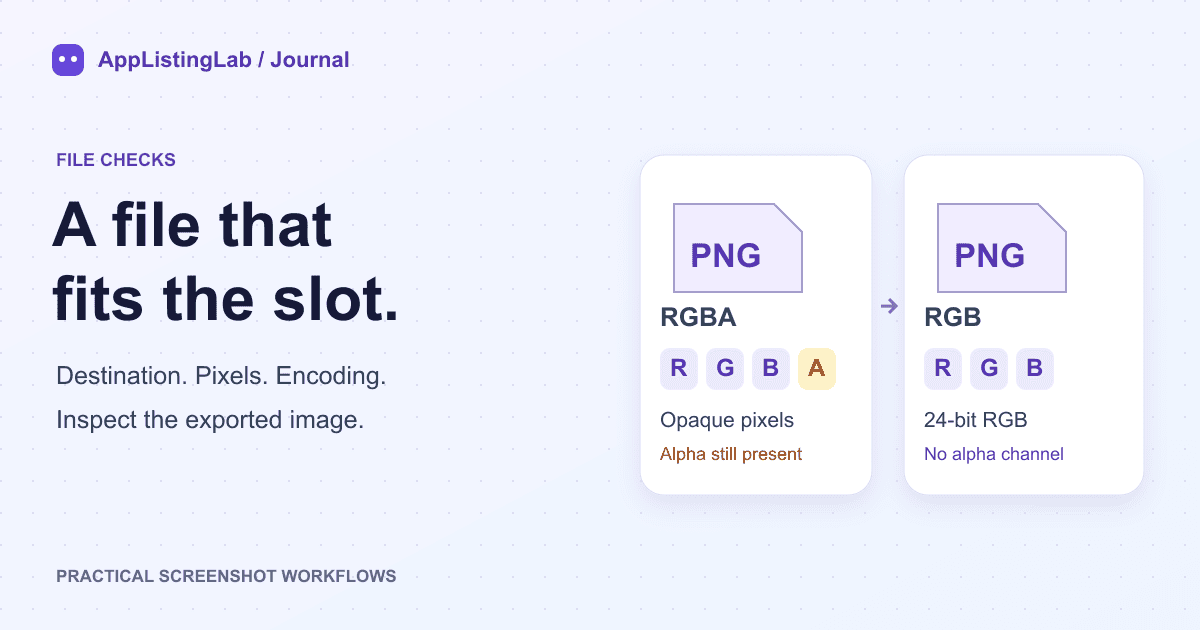
Check the upload destination, actual pixel size and PNG alpha channel, then verify the corrected file before uploading it again.
Read the walkthrough →AppListingLab Journal
Practical workflows, file checks and design decisions. Use the guides for store specifications and the Journal to work through a task.
Troubleshooting · 6 min read
Check the upload destination, actual pixel size and PNG alpha channel, then verify the corrected file before uploading it again.
Read the walkthrough →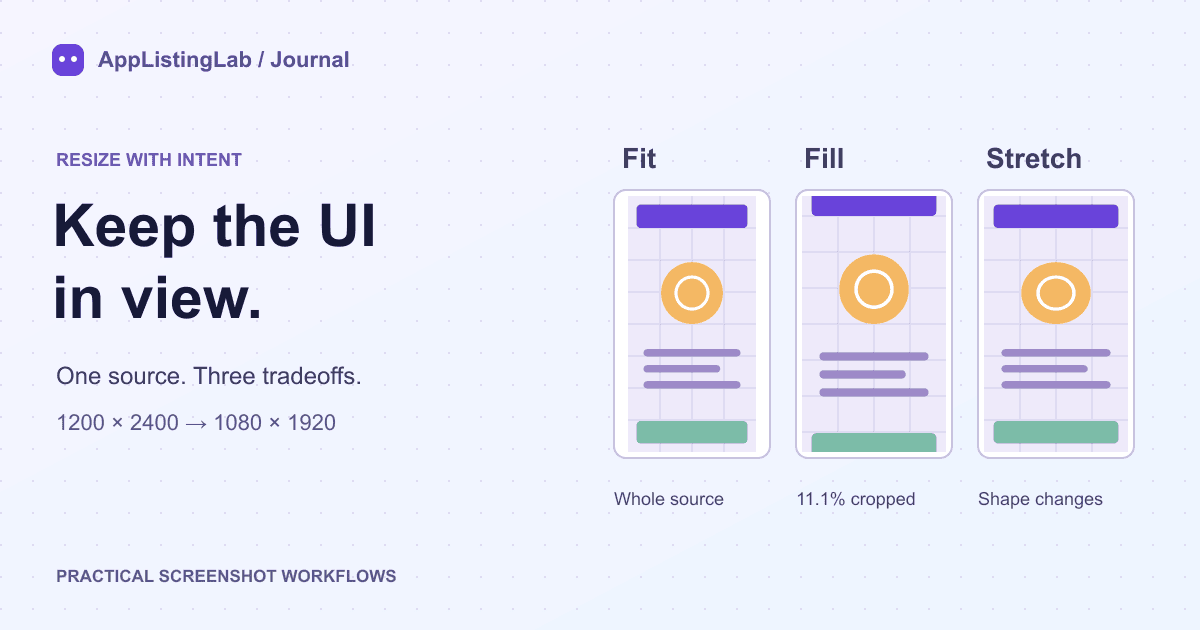
Screenshot workflow · 5 min read
Compare Fit, Fill and Stretch with a reproducible crop example. Choose the target, preserve important UI and inspect each exported screenshot.
Read the walkthrough →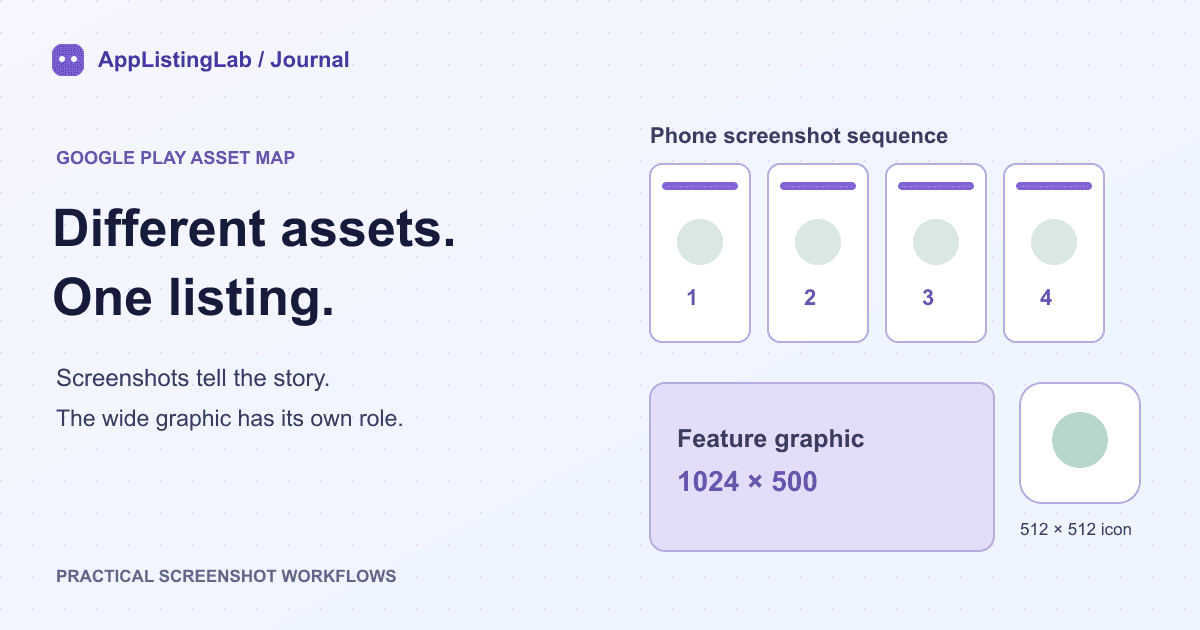
Release preparation · 6 min read
Build a clear Google Play asset checklist: phone screenshots, a separate 1024 × 500 feature graphic, locale folders and file inspection before upload.
Read the walkthrough →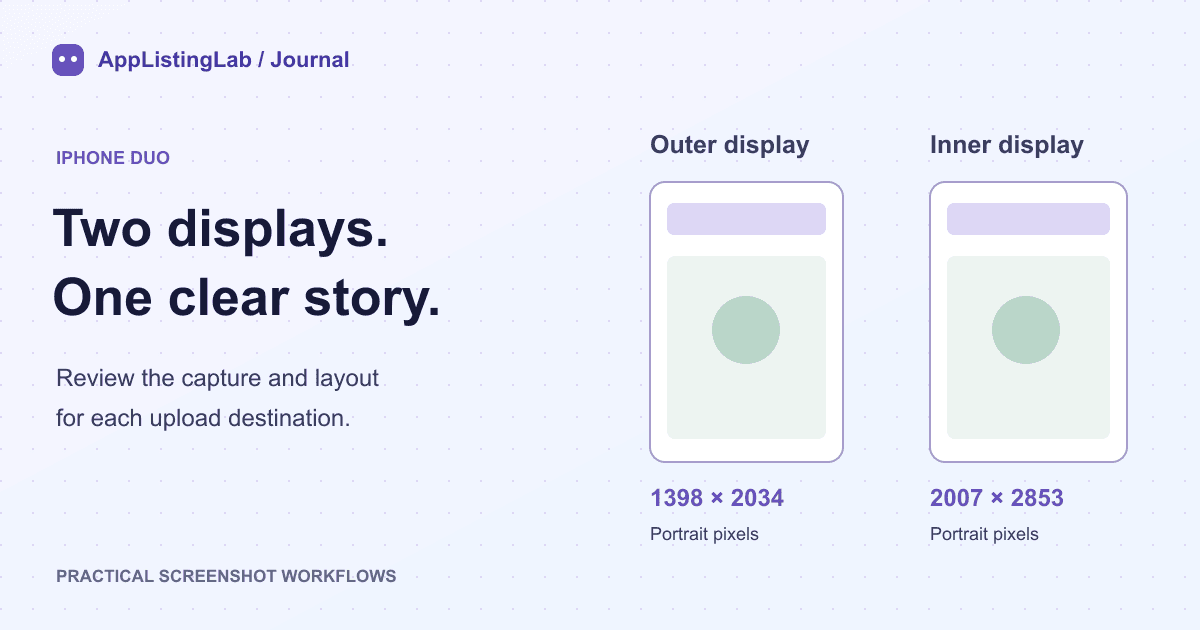
Screenshot layouts · 6 min read
Use the accepted iPhone Duo dimensions, review each display's real app layout and keep the two screenshot sets aligned without stretching the interface.
Read the walkthrough →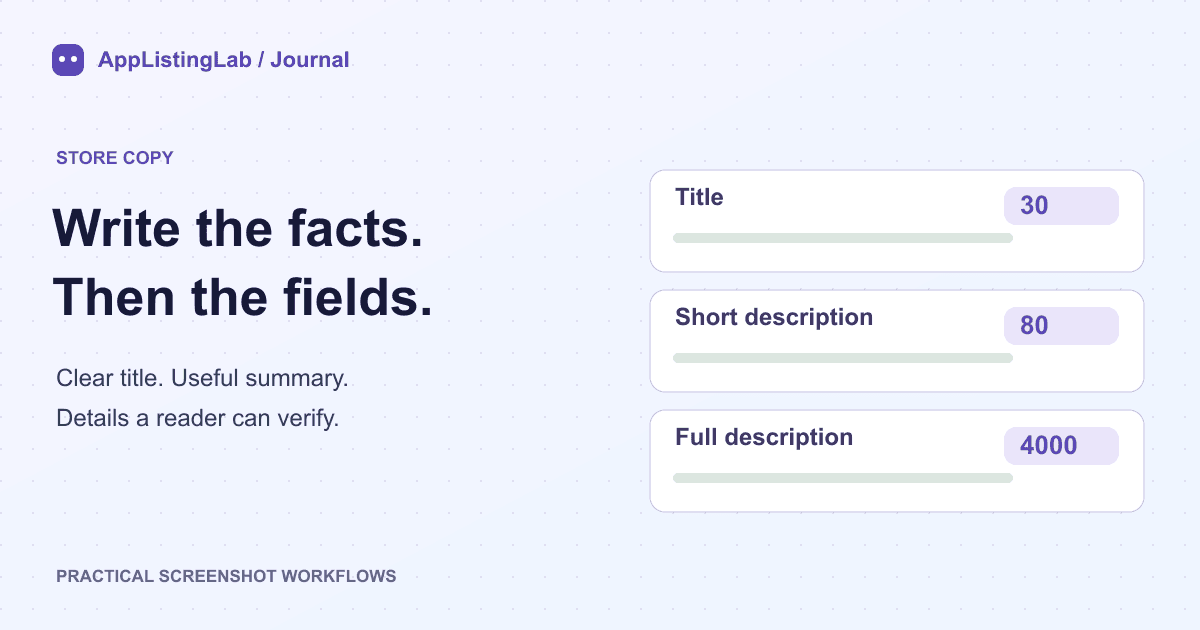
Store copy · 7 min read
Write a Google Play title, short description and full description from real app features. Includes a food diary app example, character counts and a review checklist.
Read the walkthrough →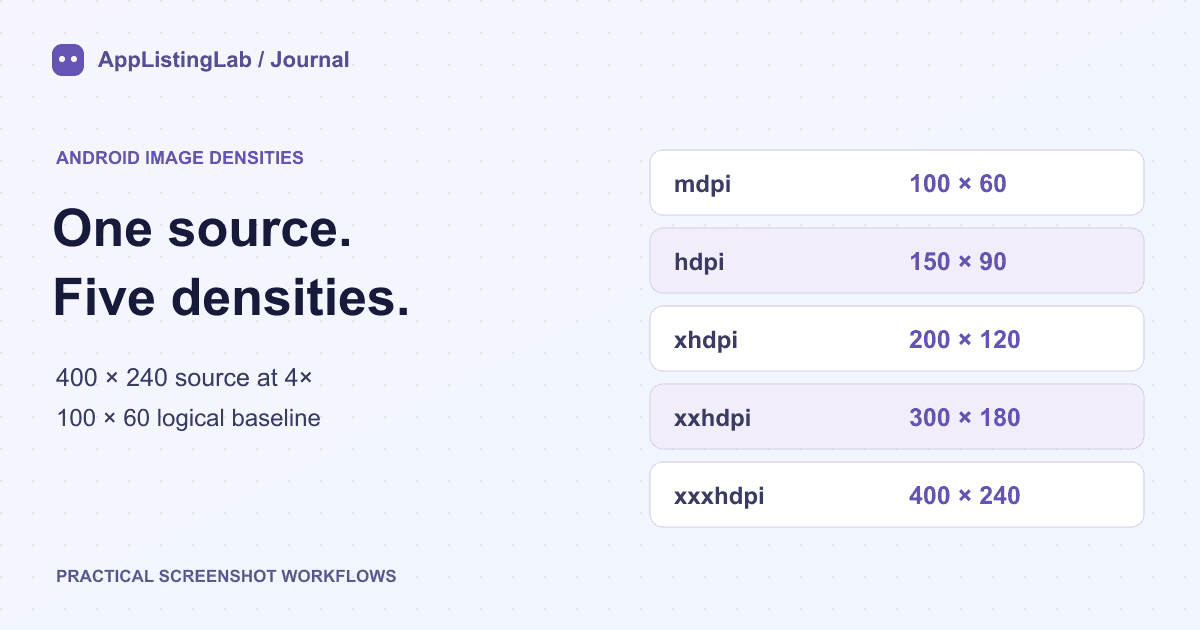
Asset workflow · 6 min read
Work through a real 400 × 240 raster example, inspect mdpi–xxxhdpi PNGs and download the source and generated ZIP. Learn when to select a 3× or 4× base.
Read the walkthrough →