Screenshot Studio · App Store template
Lifestyle Story
Begin with the life your app fits into.
Full-bleed lifestyle photography on the opening slide, followed by warm product-led layouts.
Use Lifestyle StoryContinue in Studio, choose or create your App profile, and add your own screens. Free exports include a watermark; Pro removes it.

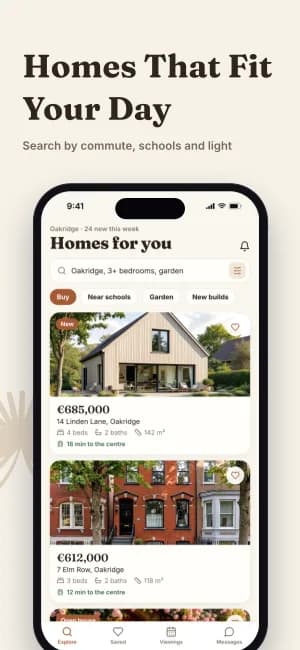
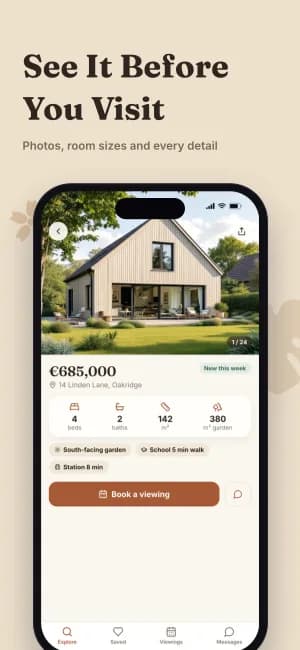
iPhone Duo screenshots

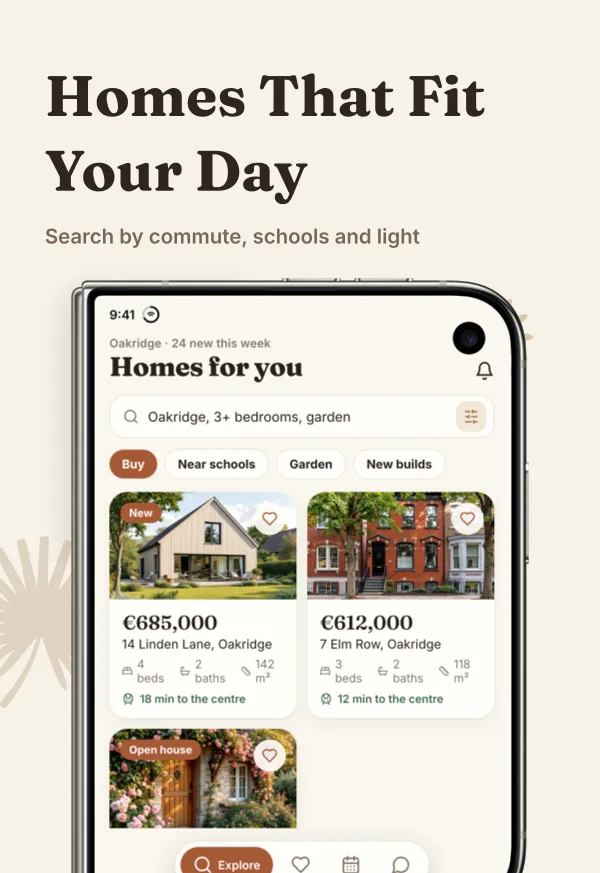
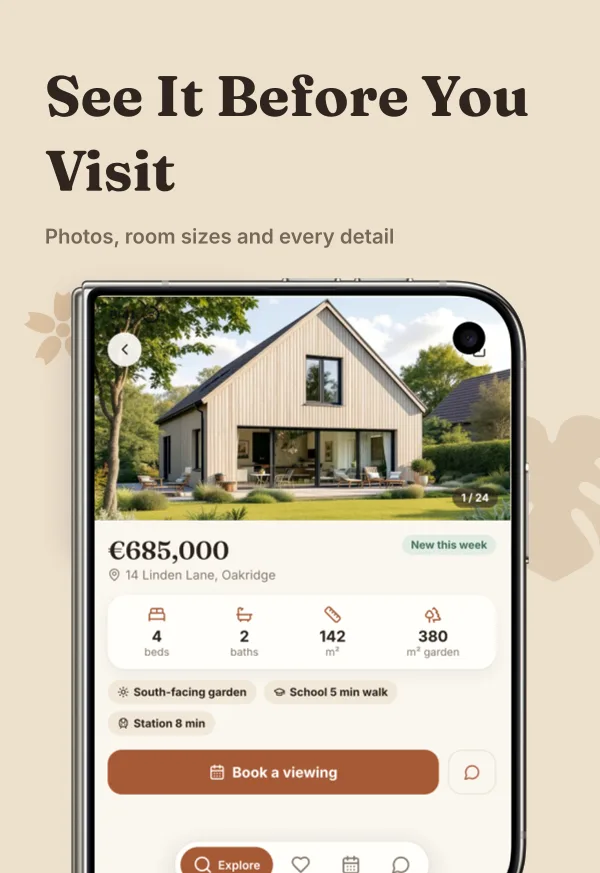
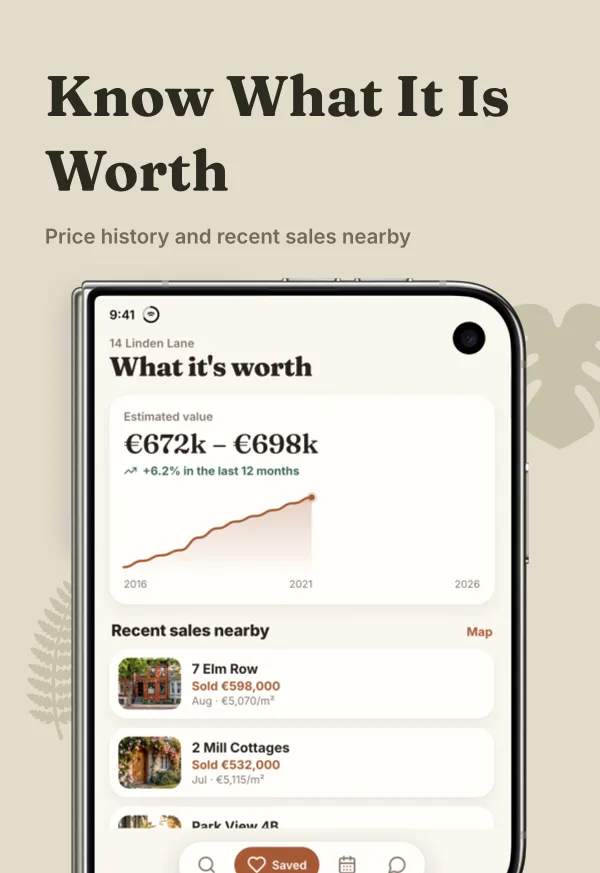
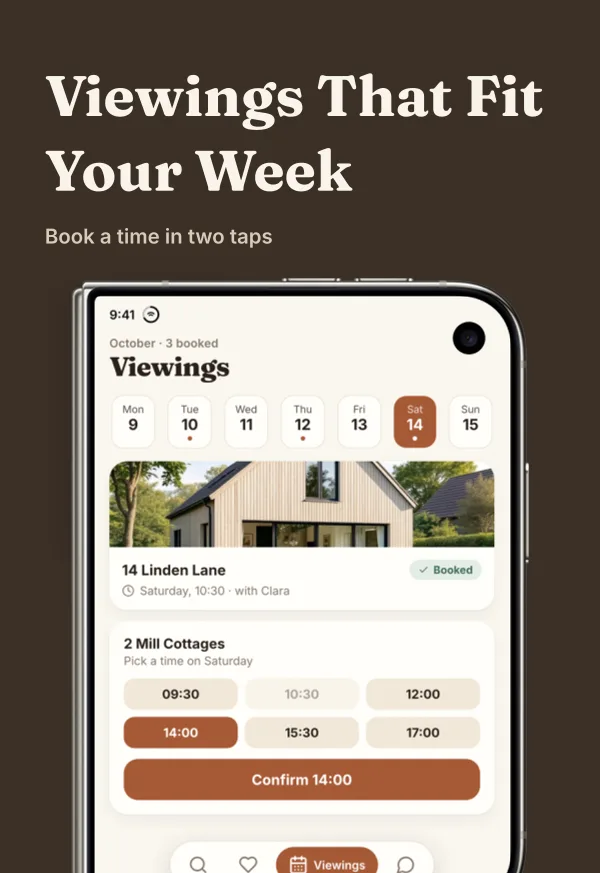
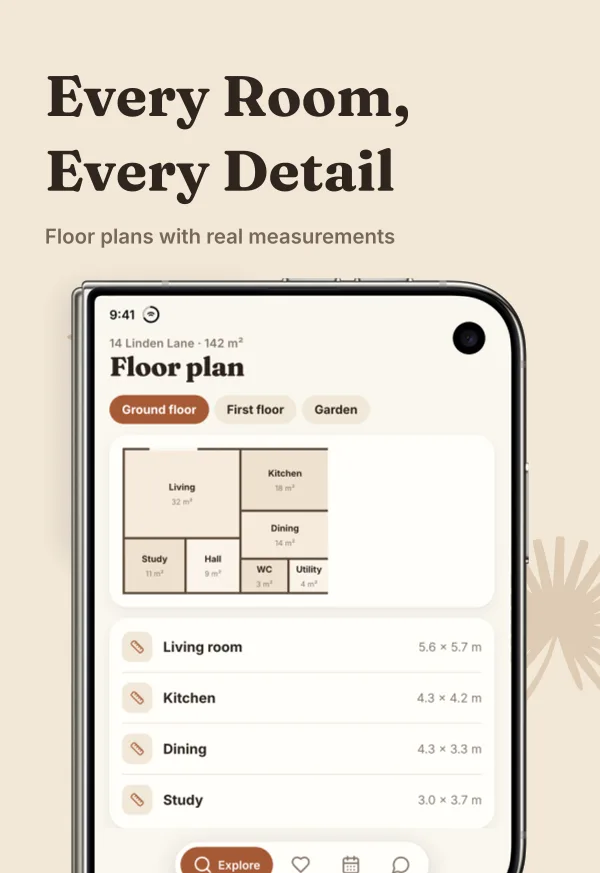
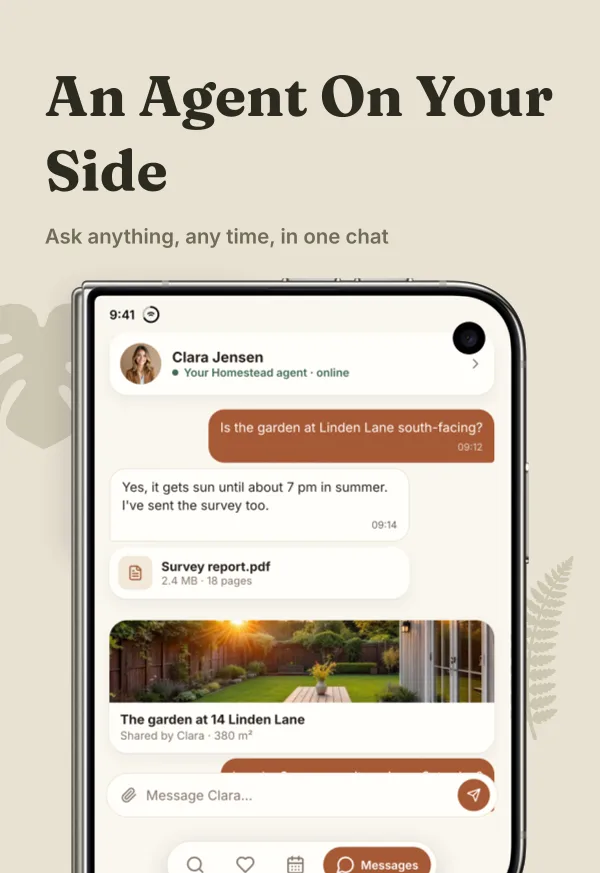
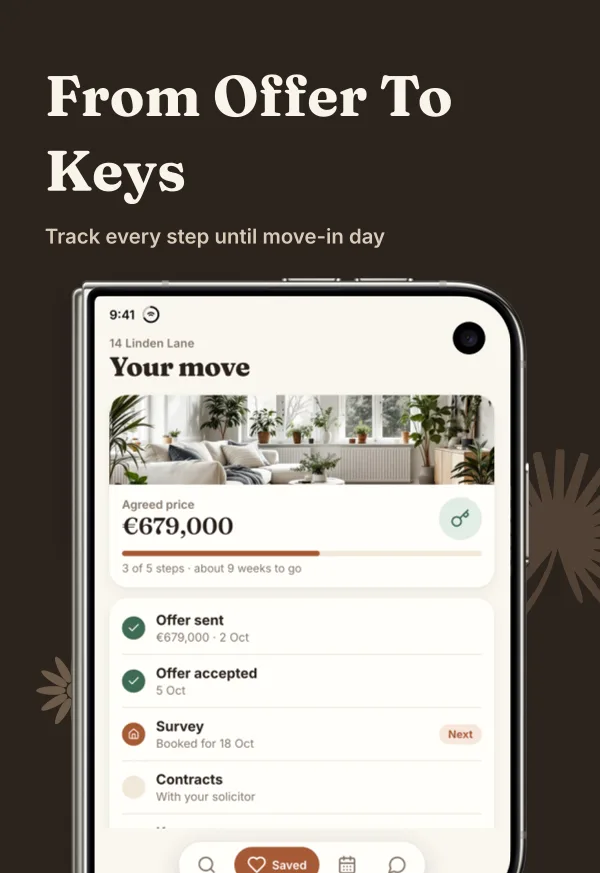
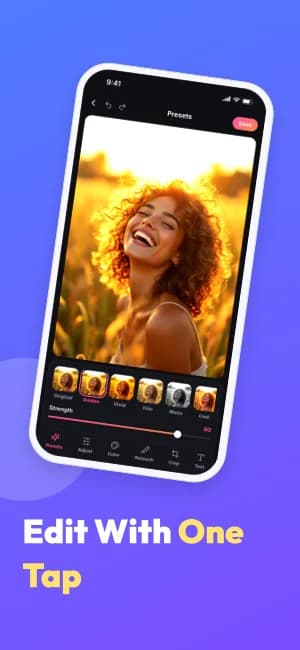
1398 × 2034 · AI-generated demo app for this display. Replace it with matching Duo captures. Export and manual upload; direct publishing is unavailable.
Apple listing assets
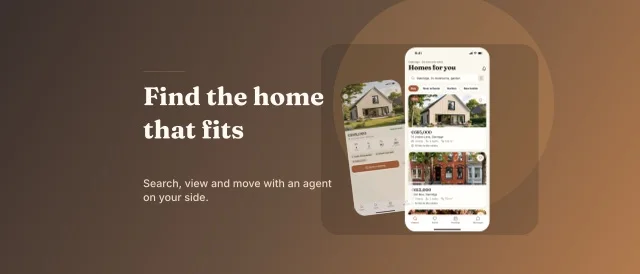
Product Page Header · 3840 × 1646
A separate editable asset in this pack’s visual style. It is not counted as a screenshot slide. Header and Search can share one universal image or use separate canvases.
Template example; review your artwork before exporting for manual upload.
When this style works
Wellness, habits, lifestyle, and coaching apps that connect a real-world moment with an everyday product routine.
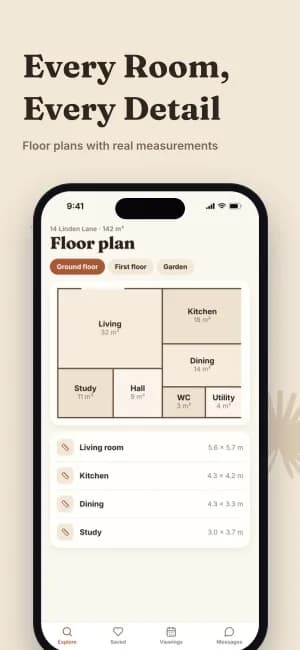
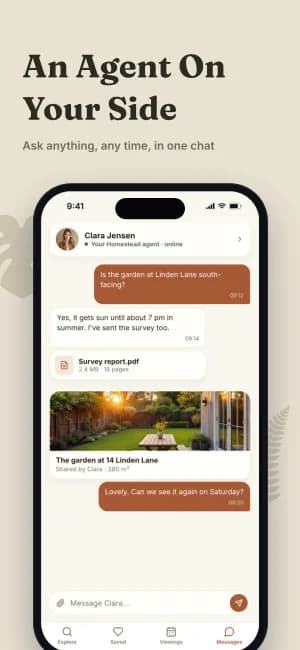
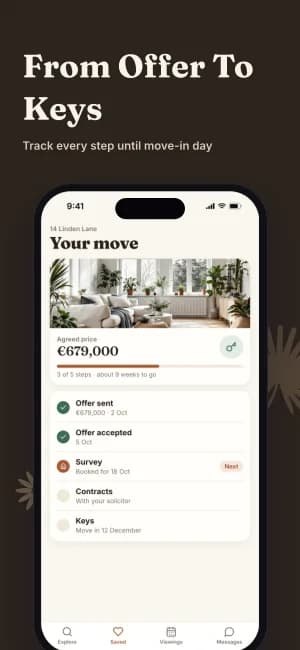
Full-bleed photography opens the story; warm backgrounds and product screens follow. The human image sets the context while the later slides show what the app actually does.
Plan the sequence
Start with the situation, connect it to one useful action, then show how the app supports the routine over time.
Bring to the editor
- A licensed lifestyle image with room for readable text.
- Screens showing the routine or action promised by the opening.
- Copy that describes real capabilities, without invented outcomes.
The example photography is visual direction, not customer evidence. Use imagery appropriate to your audience and review localized headline crops.
The complete 8-slide example
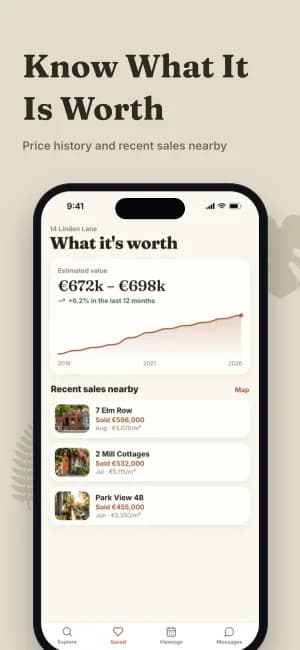
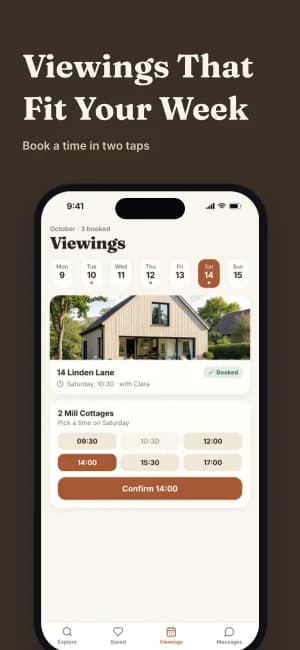
Scroll through the authored sequence. Change the text, images, colors, and layout in Studio; these previews are examples of the design, not a finished listing for your app.
Prepare the store formats
This preview shows iPhone slides. Studio also offers supported iPhone, iPad, Android phone, and Android tablet formats. Review the output and store requirements for each device; a phone design needs a layout check when adapted to a tablet.
Check App Store screenshot sizes →Keep the message consistent
Use the same App profile for your screenshot captions and listing copy. Review translations and replace all demonstration content before export.
Explore ASO Studio →Compare another direction
Travel Journey →
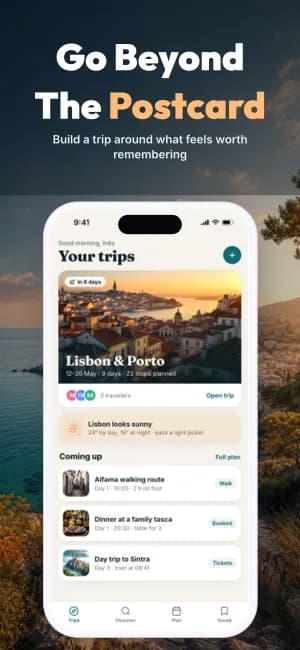
Cinematic travel photography runs edge to edge behind a restrained, high-contrast product story.

Magazine Editorial →
Black editorial layouts with serif italic emphasis, stacked screens, and warm gold accents.
Vivid Color →
A complete eight-slide system with bright color fields and soft white screenshot frames.