Screenshot Studio · App Store template
Travel Journey
Turn a destination into a product journey.
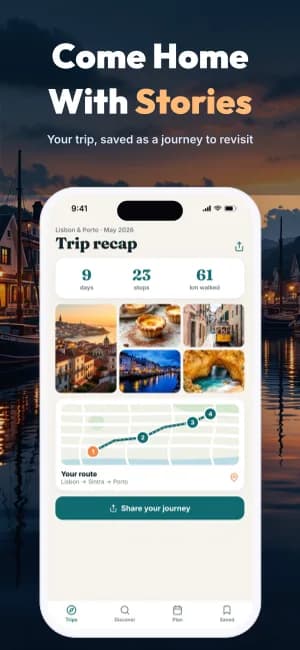
Cinematic travel photography runs edge to edge behind a restrained, high-contrast product story.
Use Travel JourneyContinue in Studio, choose or create your App profile, and add your own screens. Free exports include a watermark; Pro removes it.
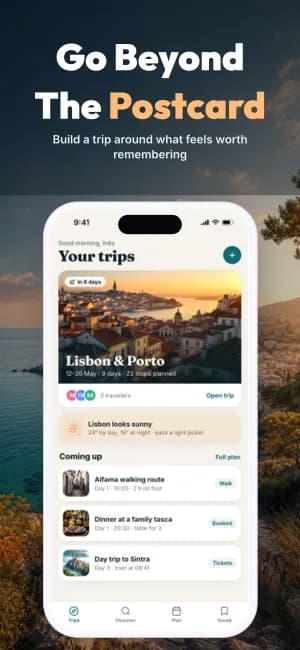
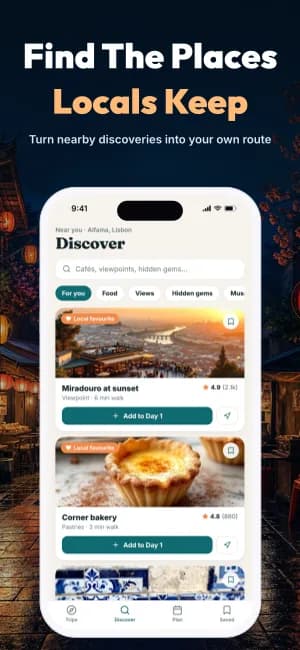
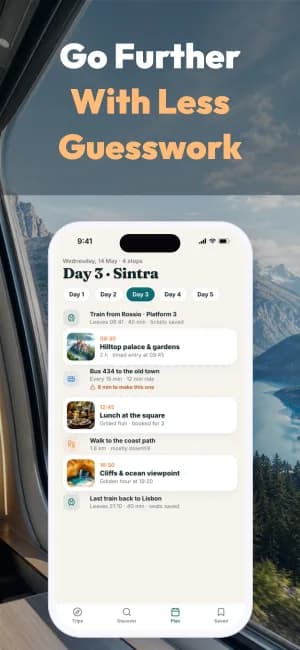
iPhone Duo screenshots
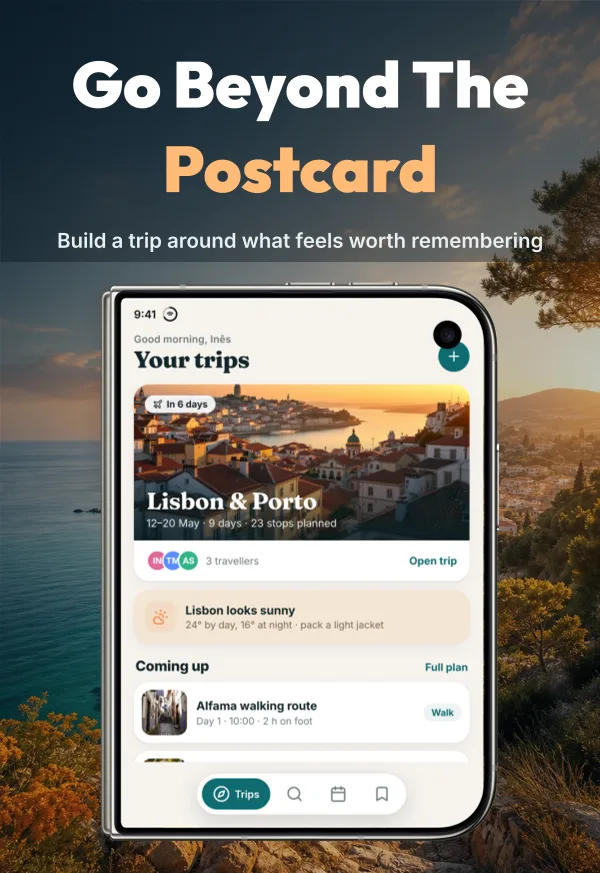
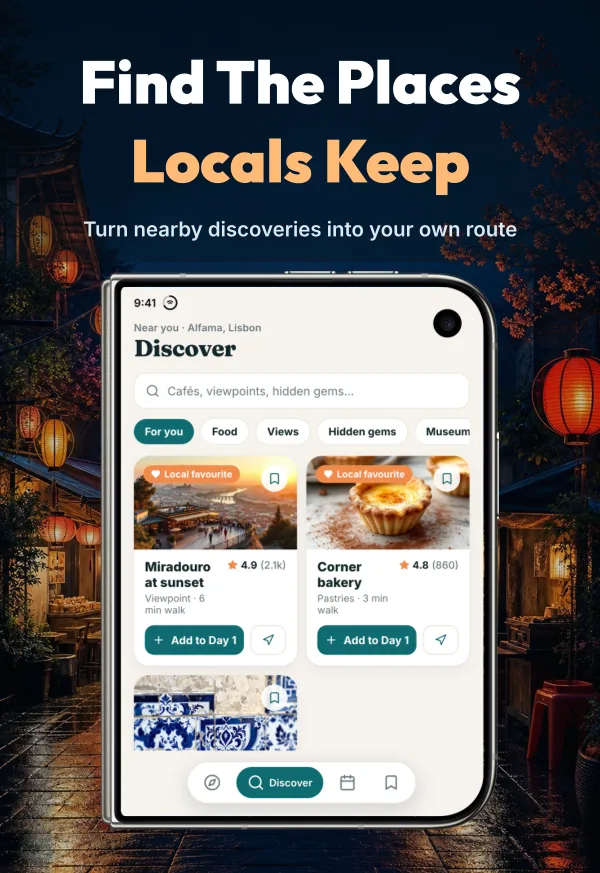
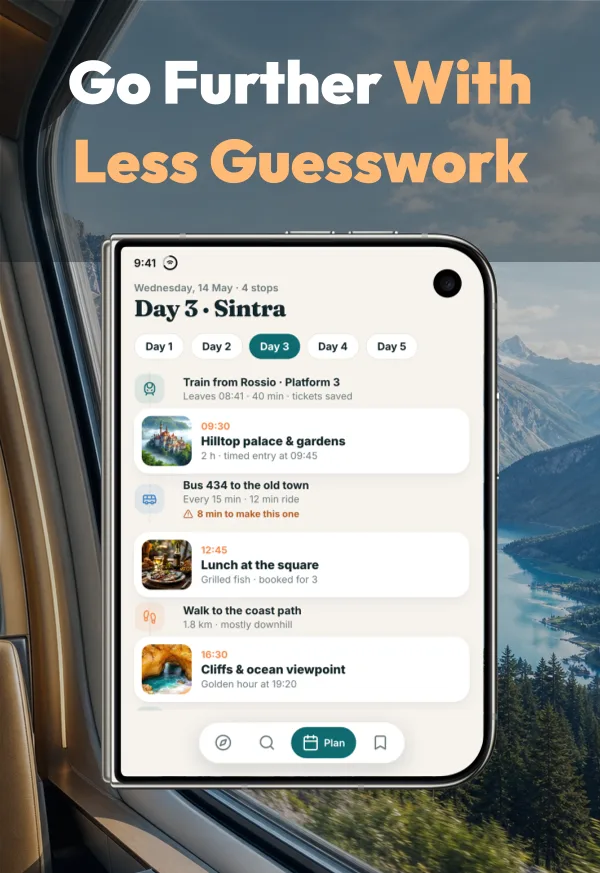
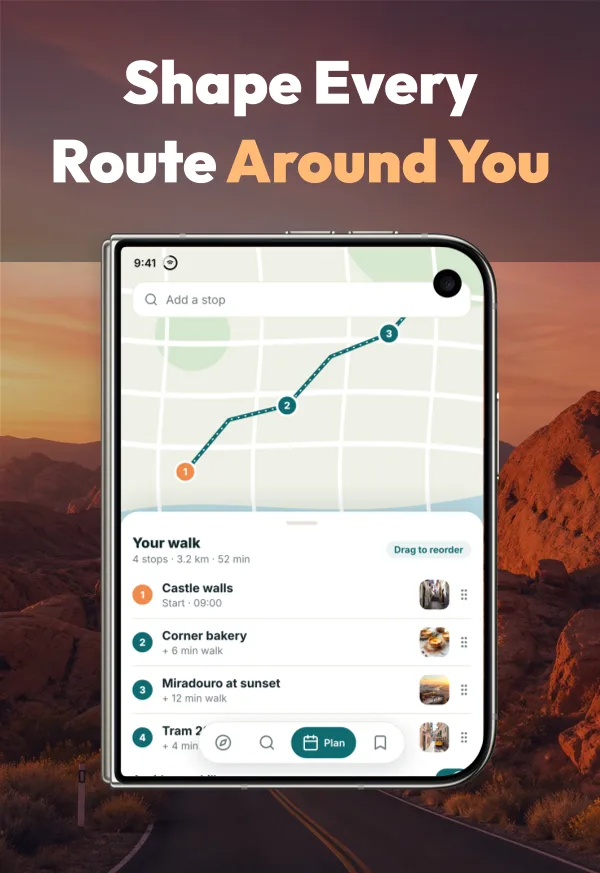
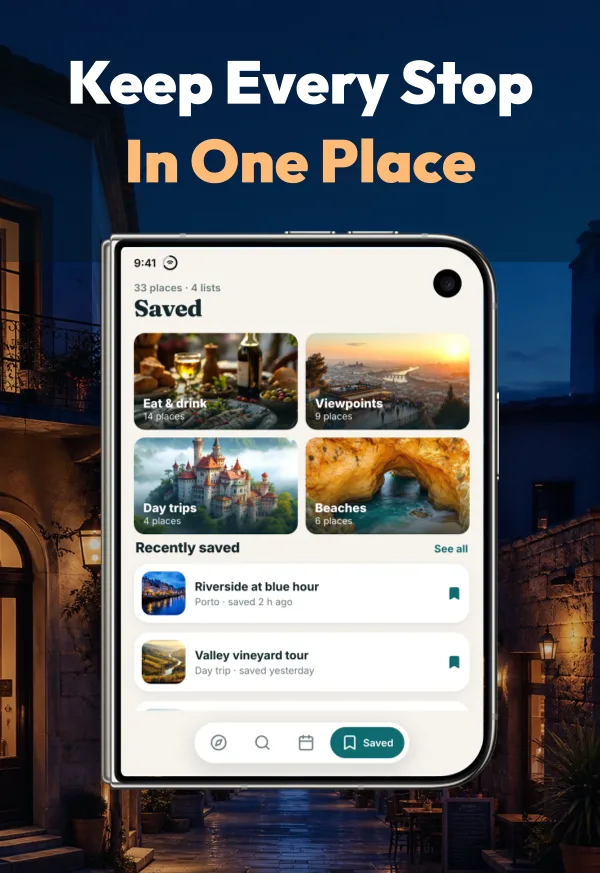
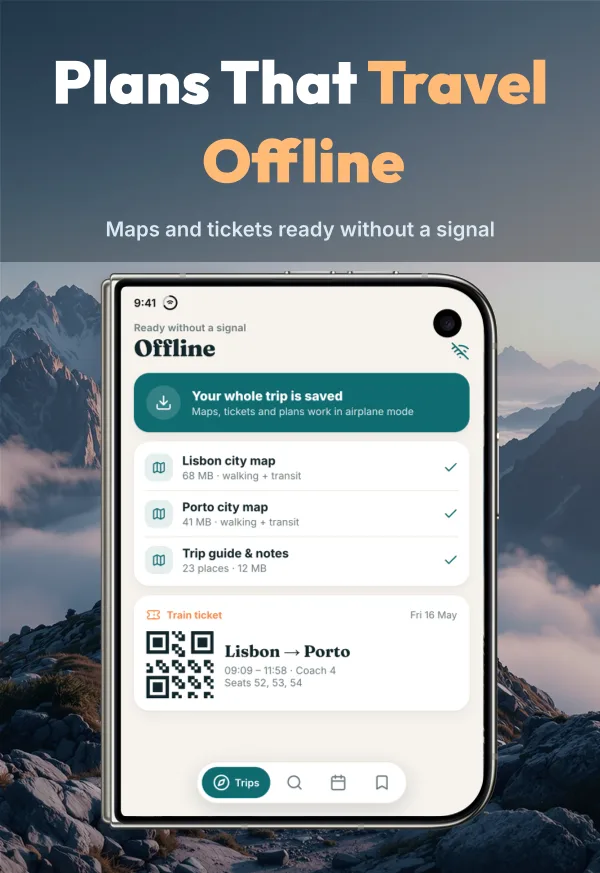
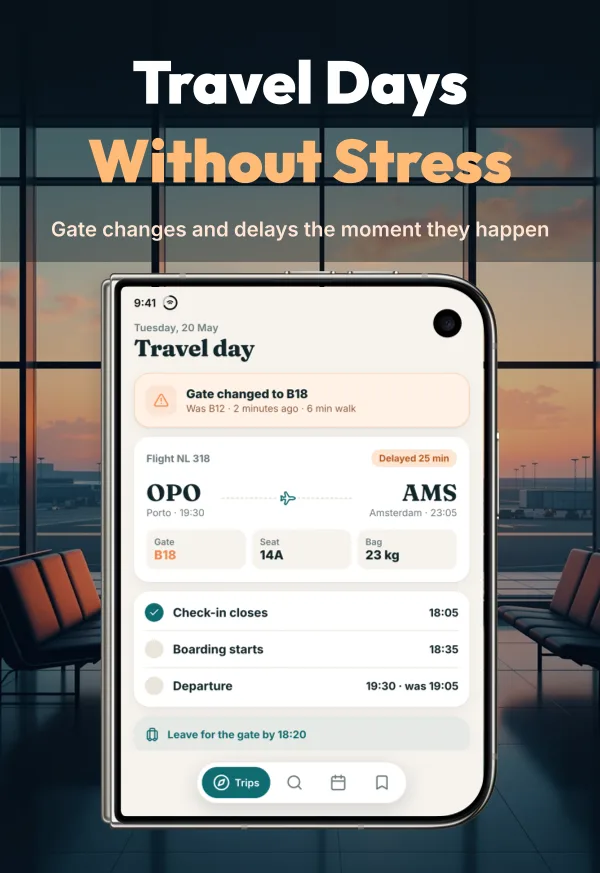
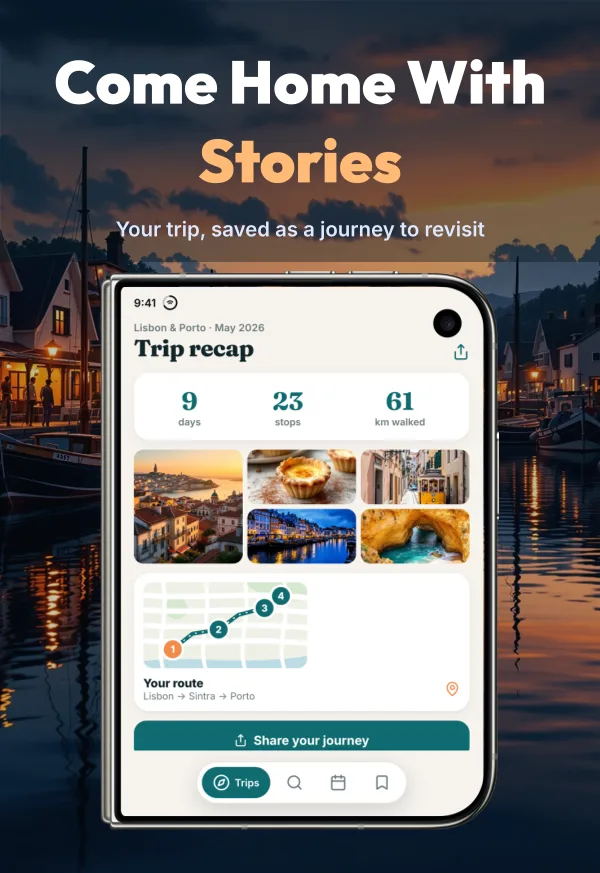
1398 × 2034 · AI-generated demo app for this display. Replace it with matching Duo captures. Export and manual upload; direct publishing is unavailable.
Apple listing assets
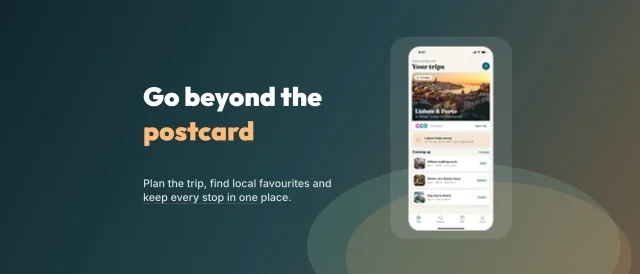
Product Page Header · 3840 × 1646
A separate editable asset in this pack’s visual style. It is not counted as a screenshot slide. Header and Search can share one universal image or use separate canvases.
Template example; review your artwork before exporting for manual upload.
When this style works
Travel, discovery, city guides, and outdoor apps where places are part of the product story.
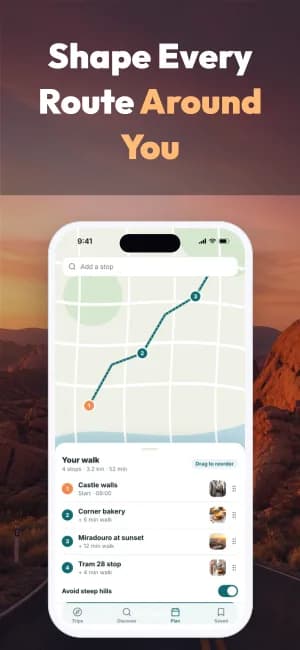
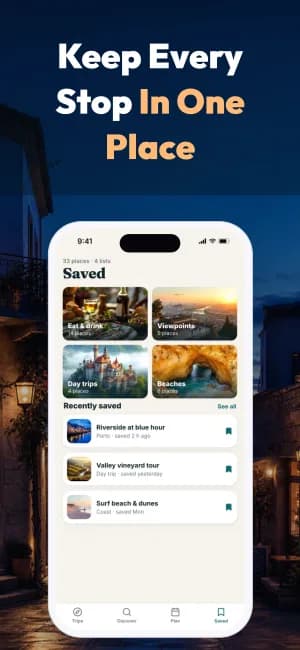
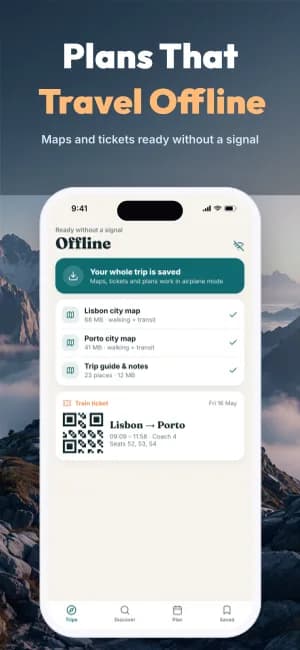
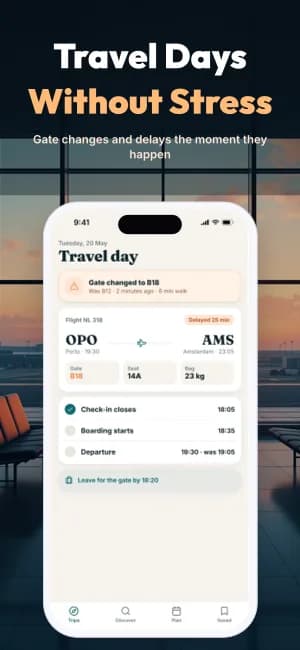
Cinematic photography runs behind high-contrast captions and device screens. The landscape provides context while the interface explains planning, discovery, and useful actions.
Plan the sequence
Open with the destination, show how to find or plan it, then demonstrate the details that help a traveler make a decision.
Bring to the editor
- Licensed destination photos with sufficient resolution for the final size.
- Real screens showing discovery, planning, or a saved itinerary.
- Short location-aware copy that can be reviewed for each language.
Check readability over every photo. A striking landscape should support the interface, and any locations or offers shown must match your app.
The complete 8-slide example
Scroll through the authored sequence. Change the text, images, colors, and layout in Studio; these previews are examples of the design, not a finished listing for your app.
Prepare the store formats
This preview shows iPhone slides. Studio also offers supported iPhone, iPad, Android phone, and Android tablet formats. Review the output and store requirements for each device; a phone design needs a layout check when adapted to a tablet.
Check App Store screenshot sizes →Keep the message consistent
Use the same App profile for your screenshot captions and listing copy. Review translations and replace all demonstration content before export.
Explore ASO Studio →Compare another direction

Lifestyle Story →
Full-bleed lifestyle photography on the opening slide, followed by warm product-led layouts.
Panoramic Flow →
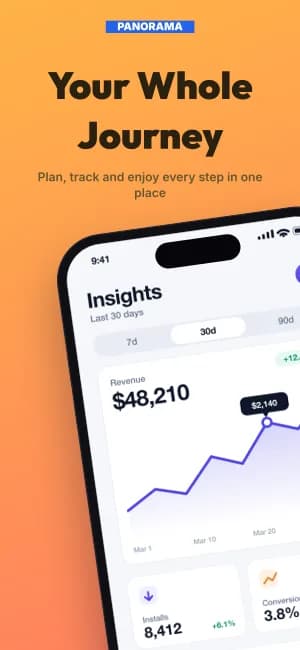
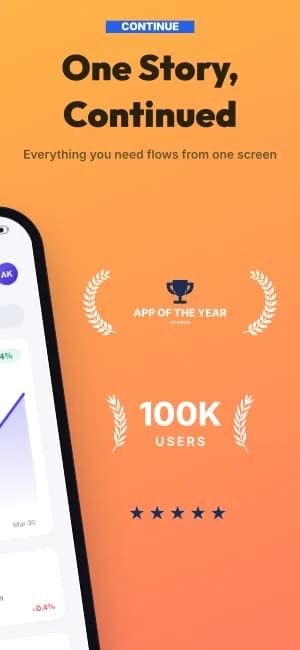
Continuous two-slide phone panorama followed by clean product-led feature layouts.

Magazine Editorial →
Black editorial layouts with serif italic emphasis, stacked screens, and warm gold accents.